You can now create custom voices in Table Read Studio
2/10/2026
One writer told us they were working on a script with four different Irish characters, but our library only had "Cheerful Irishman". Not very useful if as a writer you are aiming for some range.
We took the feedback on board and we’re excited to announce the new Custom Voices feature available for Writer and Studio users. You can now design and save your own voice directly in the app, without leaving your project flow.
How Custom Voices works
The flow is step-based:
-
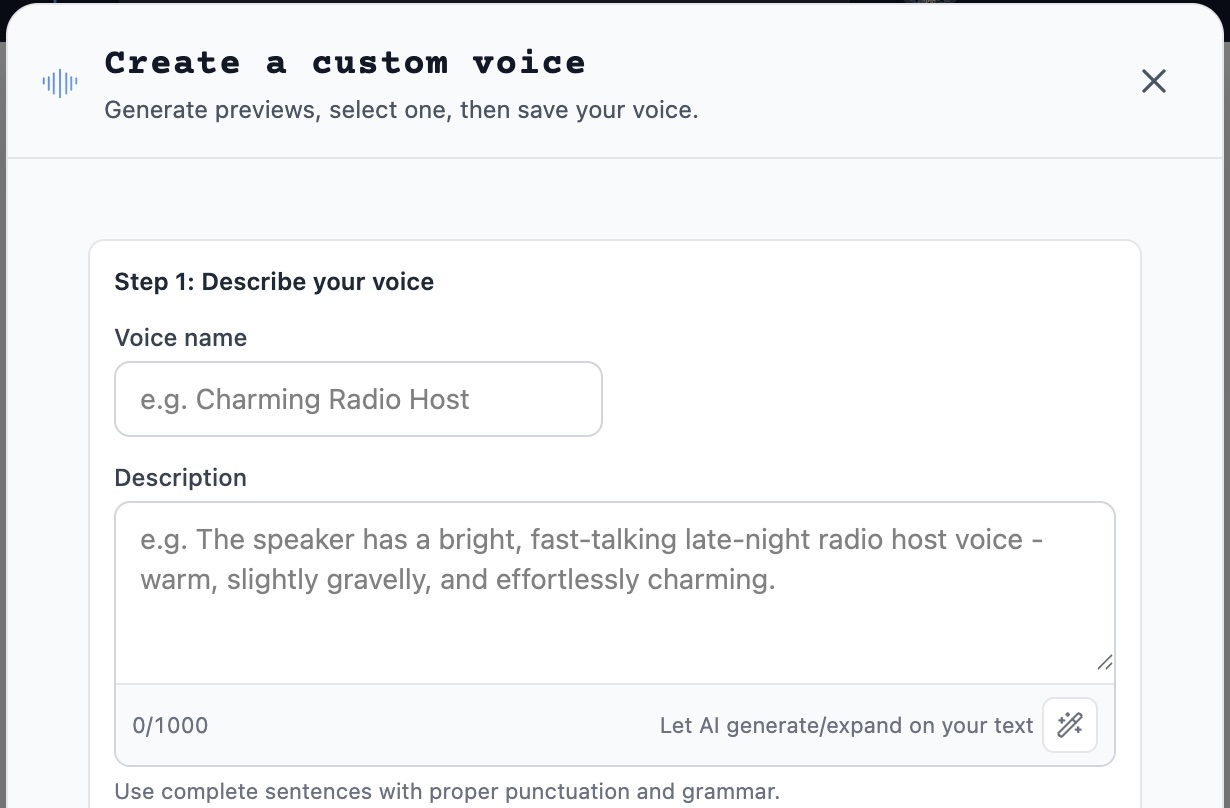
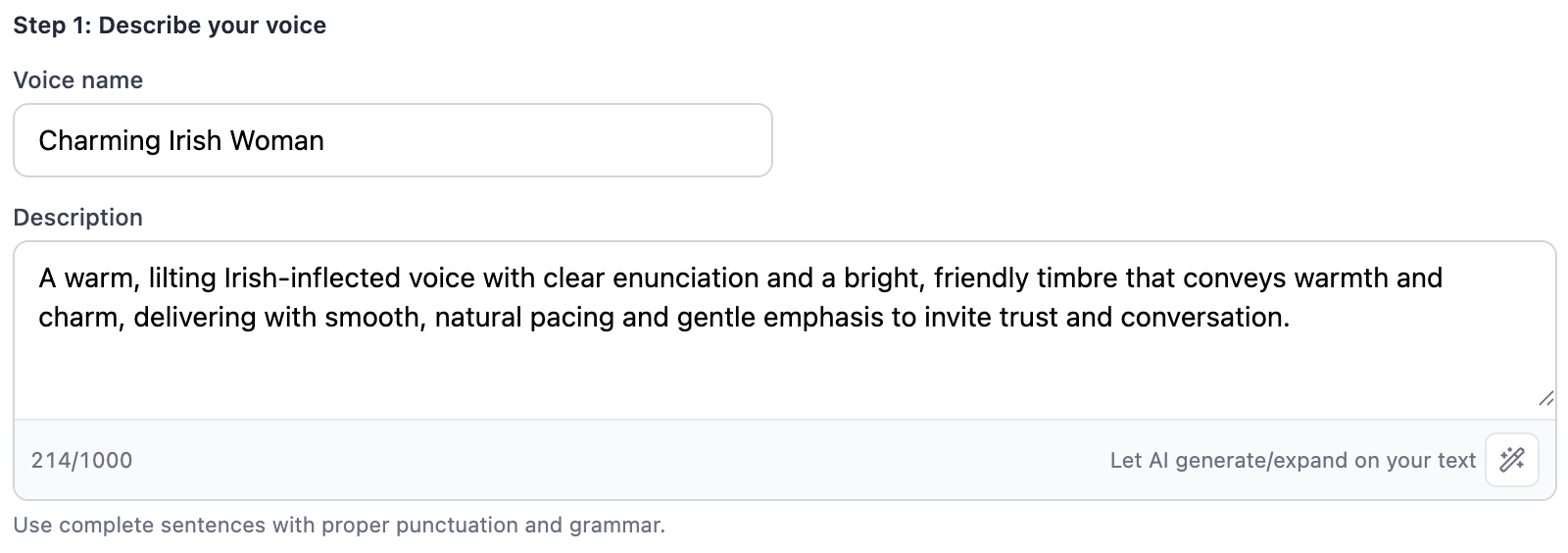
Describe the voice
Add a voice name, a short voice description, and sample text.
-
Generate 3 previews
We create three candidate clips from your inputs.

-
Pick your favorite preview
Listen, compare, and select one.

-
Save as a reusable custom voice
Your selected preview becomes a saved voice you can reuse in future reads.

That’s it. Just open the voice picker and create all the voices you can imagine.
Before designing every role from scratch, read our guide to casting AI voices for screenplay characters for advice on contrast, narrator choice, and testing voices in the right scene.